Workout Apps That Import Your Apple Watch Data: What Actually Matters
Most workout apps with Apple Watch import only sync heart rate. The best Apple Watch fitness apps use your data for recovery tracking, auto-logging, and personalized programming.
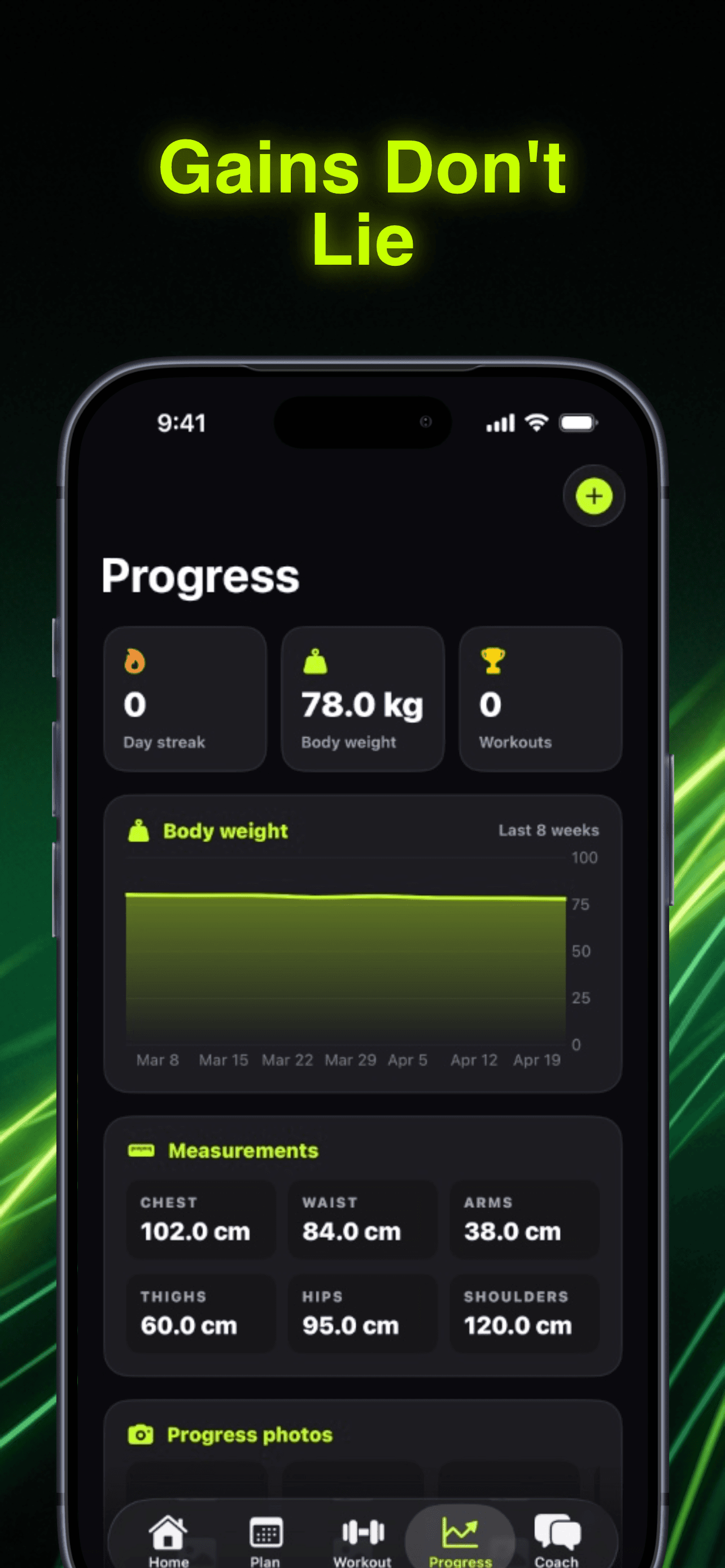
Photo by RepBro.
Your Apple Watch captures thousands of data points every workout. Heart rate variability, calories burned, workout duration, recovery metrics. Most workout apps with Apple Watch import grab your heart rate and call it a day.
The real question: what does your workout app actually do with all that data?
Most fitness apps treat Apple Watch sync like a checkbox feature. They pull your heart rate, maybe calories, then ignore the rest. The best workout apps with Apple Watch import use your HealthKit data to make training decisions, track recovery, and personalize your programming.
What Apple Watch Data Actually Matters for Training
Your Apple Watch collects more than basic metrics. Here's what matters for your lifting:
Heart Rate Variability (HRV) tracks your nervous system recovery. A dropping HRV trend signals you need lighter training or a rest day. Apps that ignore HRV miss the biggest predictor of readiness.
Resting Heart Rate changes reveal overreaching before you feel it. A 5-10 BPM increase over your baseline means your body is fighting something — illness, stress, or training fatigue.
Sleep Data from your watch shows sleep duration and quality scores. Poor sleep directly impacts strength gains and recovery between sessions.
Active Calories burned during workouts help calibrate your nutrition needs. Accurate calorie tracking prevents under-eating during heavy training blocks.
Workout Duration and Intensity data helps apps understand your actual training load, not just what you planned to do.
The problem? Most apple watch fitness apps only use one or two of these metrics.
How Different Apps Use Your Apple Watch Data
Basic Heart Rate Sync Apps
Most workout apps stop at heart rate monitoring. They show your BPM during sets, maybe calculate calories burned, then ignore everything else your watch collected.
These apps treat your Apple Watch like an expensive heart rate monitor. You get real-time feedback during workouts but no insights for programming or recovery.
Recovery-Focused Apps
Better apple watch workout app sync includes HRV and sleep data for recovery tracking. These apps flag when your readiness scores drop and suggest lighter training.
The limitation: they focus on recovery but don't adjust your actual workout programming. You get the data but still need to manually change your training.
Full Integration Apps
The best workout apps with Apple Watch import use your data for active programming decisions. They track your HRV trends, sleep quality, and workout performance to adjust your next session automatically.
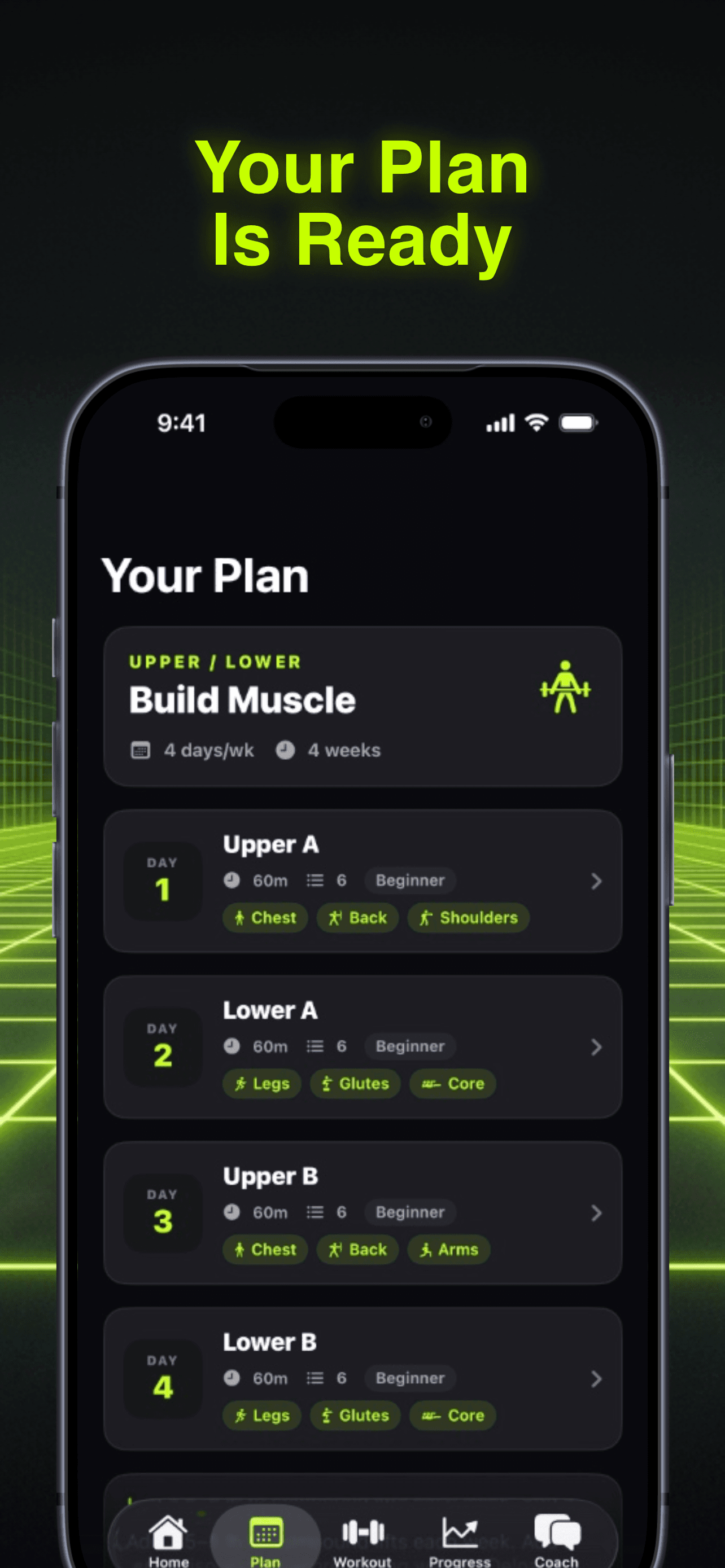
RepBro exemplifies this approach. The app imports your complete HealthKit profile — HRV, sleep, resting heart rate, body weight, and workout history. Then it uses that data to personalize your programming in real-time.
When your HRV drops 20% below baseline, RepBro automatically suggests backing off intensity. Poor sleep for three nights? The app reduces volume and adds extra rest between sets. Your Apple Watch data becomes input for smarter training decisions.
What to Look for in Apple Watch Gym Tracking Apps
Not all Apple Watch integration is created equal. Here's what separates basic sync from useful features:
Data Import Scope
- Basic: Heart rate and calories only
- Better: Adds sleep and HRV data
- Best: Full HealthKit integration including body metrics, workout history, and recovery markers
Programming Integration
- Basic: Shows data but doesn't use it for decisions
- Better: Provides recovery recommendations based on trends
- Best: Automatically adjusts your workout programming based on readiness scores
Historical Analysis
- Basic: Current session data only
- Better: Shows trends over weeks
- Best: Correlates your data patterns with training outcomes
Why Most Apps Get Apple Watch Sync Wrong
The technical challenge isn't importing Apple Watch data — it's knowing what to do with it. Most fitness app developers focus on the sync mechanism instead of the intelligence layer.
Building meaningful Apple Watch integration requires understanding training periodization, recovery science, and individual variation in response to stress. That's why most apps default to basic heart rate monitoring.
The apps that get it right treat your Apple Watch data as input for a coaching system, not just metrics to display.
Setting Up Apple Watch Import in Your Workout App
Once you find an apple watch fitness app that uses your data intelligently, setup is straightforward:
- Enable HealthKit permissions for all relevant data types — don't just approve heart rate
- Wear your watch consistently for 2-3 weeks to establish baseline metrics
- Check data sync daily initially to ensure everything transfers correctly
- Review how the app uses your data in programming decisions
The key is choosing an app that actually leverages what your watch captures.
The Future of Apple Watch Workout Integration
Apple continues expanding HealthKit capabilities. The latest watchOS versions track more recovery metrics, sleep stages, and training load indicators. Workout apps that build robust integration now will have access to richer data as Apple releases it.
The trend moves toward predictive training — apps that use your Apple Watch data to prevent overtraining, optimize recovery timing, and personalize programming based on your individual response patterns.
RepBro represents this evolution. Instead of just syncing your Apple Watch data, it uses that information to coach you through every training decision. Your HRV influences your next workout. Your sleep quality adjusts your volume. Your heart rate trends inform your progression.
That's the difference between basic Apple Watch sync and true integration. One shows you numbers. The other uses those numbers to make you stronger.
Ready to experience workout programming that actually uses your Apple Watch data? RepBro's AI coach analyzes your complete HealthKit profile to personalize every workout decision.
Frequently asked questions
- Do all workout apps sync with Apple Watch?
- No, many workout apps don't support Apple Watch sync at all. Among those that do, most only import basic heart rate data rather than comprehensive HealthKit information like HRV, sleep, and recovery metrics.
- What Apple Watch data should workout apps import?
- The best workout apps import heart rate variability (HRV), resting heart rate, sleep data, active calories, body weight, and workout history. This comprehensive data enables better programming and recovery recommendations.
- Can Apple Watch data improve workout programming?
- Yes, when used properly. Apps that analyze your HRV trends, sleep quality, and heart rate patterns can automatically adjust workout intensity, volume, and rest periods based on your recovery status.
- How long does it take for Apple Watch sync to work?
- Initial sync happens immediately, but meaningful insights require 2-3 weeks of consistent data collection to establish baseline metrics for HRV, resting heart rate, and sleep patterns.
- Why do some apps only sync heart rate from Apple Watch?
- Most developers focus on basic heart rate monitoring because it's technically simpler than building intelligence systems that can interpret and act on comprehensive HealthKit data for training decisions.